
AWS Identity Center: How to Stop Giving Everyone the Keys to the Kingdom
Managing AWS permissions at scale is a losing game — everyone ends up with admin access. Here's how structured review sessions and an automated reporting agent can bring your Identity Center back under control.
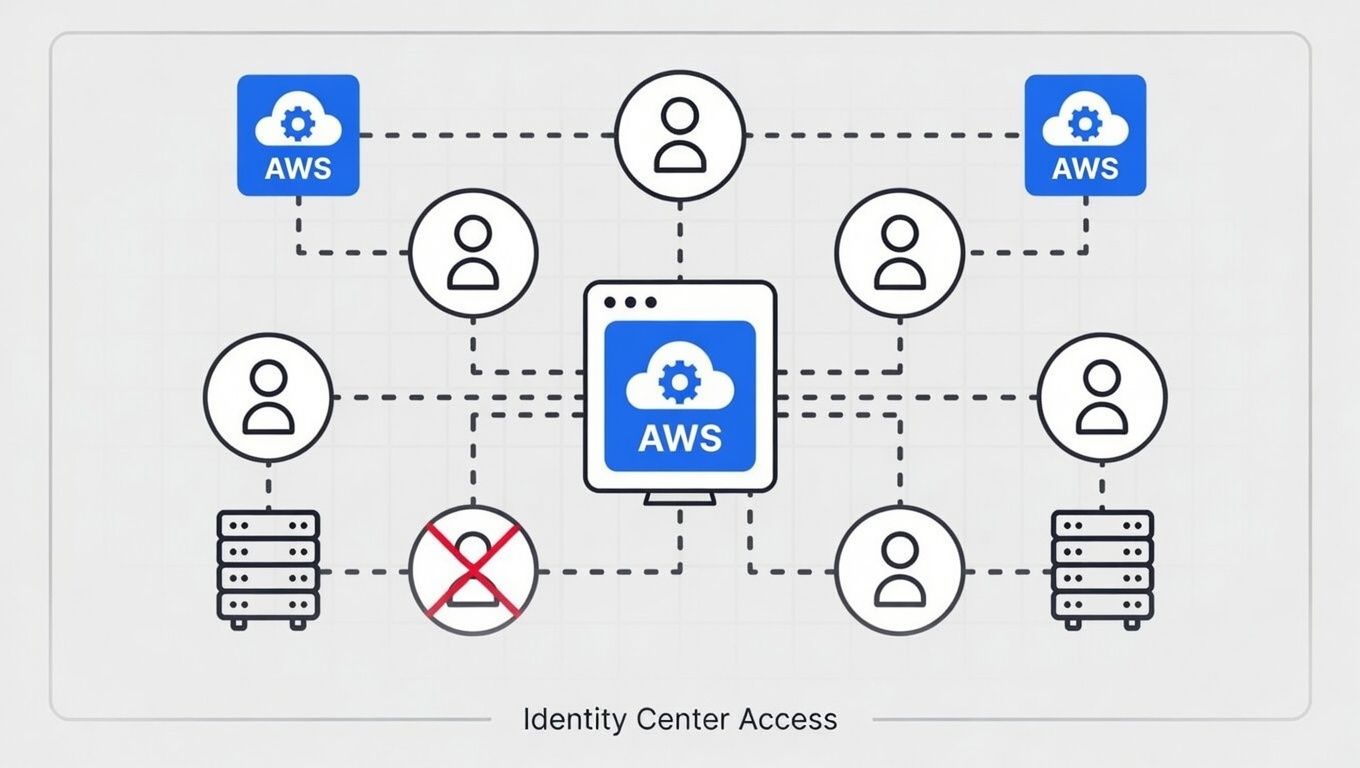
AWS Identity Center: How to Stop Giving Everyone the Keys to the Kingdom
The Problem
Here's a scenario that plays out at every growing company: you set up AWS, you create some users, and you try to be responsible about permissions. You think, "I'll give this developer read access to S3 and write access to Lambda, and that's it."
Then reality hits.
Your developer needs to check CloudWatch logs. They need to peek at a DynamoDB table. They need to set up an SQS queue for a feature they're building. Every task touches five different services, and every time they get a permissions error, they're blocked. They ping you on Slack. You add another policy. They hit another wall. You add another one.
After a week of this, you do what everyone does — you give them admin access and move on with your life.
Now multiply that by your whole team. Then multiply it again by every AWS account you've spun up — your production account, your dev account, your backup account, your security audit account. You're managing dozens of permission sets across multiple accounts through AWS Identity Center, and it's turned into a sprawling mess that nobody fully understands.
The tool itself is solid. Identity Center is genuinely one of the better things AWS has built for multi-account management. But without discipline, it becomes a liability. You've got people with access they don't need, accounts with permission sets that were "temporary" six months ago, and no easy way to see the full picture.
What We Learned
You can't fine-tune permissions in a vacuum. Sitting in the AWS console clicking through policies while guessing what each developer needs is a losing game. The only way to get this right is to make it a team exercise.
The real solution is running structured review sessions. Not a security audit that happens once a year when compliance demands it — regular, well-run sessions where you pull up your Identity Center configuration and walk through it with your team.
Here's what that looks like in practice: you sit down with your team, you look at every user, every permission set, and every account assignment. You ask simple questions. Does this person still need access to this account? Can we scope this permission set down without breaking their workflow? Is there a permission set that three people share but only one person actually uses?
The tricky part is finding the balance. Lock things down too tight and your developers spend half their day asking for access. Leave things too loose and you're one compromised credential away from a bad day. The sweet spot is somewhere in the middle, and the only way to find it is by talking to the people who actually use the access.
But here's the thing — you can't have a productive review session if nobody can see the current state clearly. And the Identity Center console is not built for that kind of overview. It's built for managing individual assignments, not for understanding the full picture across your organization.
So we built an agent for it.
We created an AI agent whose entire job is to pull all your IAM Identity Center records — users, groups, permission sets, account assignments — and generate a clean HTML report. Everything broken out clearly, with direct links back to the AWS console. You can see at a glance who has access to what, which permission sets are attached where, and where the sprawl is happening.
The report also doubles as an audit artifact. Stamp it with the date you generated it, and now you have a point-in-time snapshot of your entire access landscape. From a CISO perspective, this is gold — you have documented evidence of who had access to what and when, without relying on someone's memory or digging through console history. It provides total clarity.
That report is what turns a vague "we should probably review our permissions" into a concrete, actionable conversation. You print it out, pull it up on a screen, and walk through it line by line. No guessing. No clicking through console pages trying to piece together the picture.
What You Can Do About It
If your Identity Center has gotten away from you, here's how to get it back under control:
Get visibility first. Before you change anything, you need to see everything. Whether you build an agent like we did or export the data manually, get a single view of all users, permission sets, and account assignments. You can't fix what you can't see.
Schedule a review session. Block 90 minutes with the people who manage AWS access and the leads who know what their teams actually need. This isn't a meeting you can do in 30 minutes the first time.
Walk through every user. For each person, ask: what accounts do they access? What permission sets are attached? Do they still need all of them? This sounds tedious, but it goes faster than you think when you have a clear report in front of you.
Consolidate permission sets. You probably have permission sets that overlap or were created for one-off situations. Merge where you can, delete what's stale, and name things clearly so the next review is easier.
Document the "why." When you keep a broad permission set, write down why. "Devs need admin on the dev account because service X requires cross-service access" is a valid reason. Just make it explicit so future-you isn't guessing.
Set a cadence. Quarterly works for most teams. Monthly if you're growing fast or onboarding frequently. The point is to make it routine, not reactive.
This is exactly the kind of operational discipline that SequenceStack is built to support. Recurring review workflows, automated data pulls, clear reporting — these are the building blocks of an org that stays on top of its infrastructure instead of constantly playing catch-up.
Why It Matters
When your Identity Center is clean, two things happen.
First, your team still has everything they need to do their work. Nobody's blocked waiting for access. Nobody's pinging you at 4pm because they can't deploy to staging. The permissions are right, and everyone moves at full speed.
Second, you can actually sleep at night. Your production account isn't wide open to every developer. Your backup account isn't accessible to people who have no business being in there. If something goes wrong — a credential gets compromised, someone makes a mistake — the blast radius is contained.
That's a conversation you can take to your CTO or your VP of Engineering and feel good about. "Here's who has access to what, here's why, and here's the report that proves it." That's not security theater. That's real security posture backed by evidence.
The companies that get this right aren't the ones with the fanciest IAM policies. They're the ones with the discipline to review, tighten, and document on a regular cadence. It's not glamorous work, but it's the kind of work that separates teams that scale cleanly from teams that end up in an incident retrospective wondering how things got so out of hand.
At Periscoped, we help teams build the operational discipline that keeps them fast and secure — because good infrastructure isn't just about the tech, it's about the habits around it.
Enjoyed this? Explore more on awsdevopssecurity or get in touch.